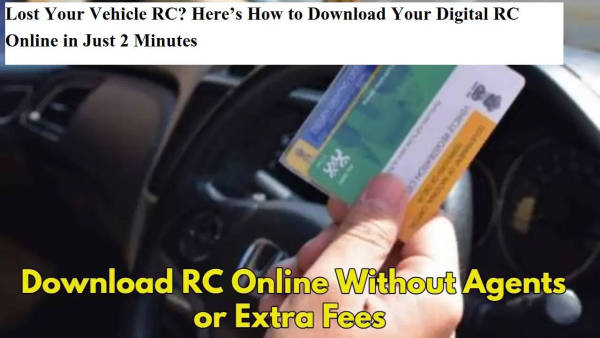
Losing your vehicle’s Registration Certificate (RC) can feel stressful—but you don’t have to panic. Thanks to the government’s digital initiatives, you can now download your RC online in just a few minutes, completely free of cost. Whether you’re in a metro city or a growing state like Bihar, these digital services are accessible to everyone.
In this article, we explain what an RC is, why it’s important, and how to download a digital RC through the Vahan portal and DigiLocker app—all from the comfort of your home.
📄 What is an RC and Why is it Important?
A Registration Certificate (RC) is an official document issued by the Regional Transport Office (RTO). It serves as proof of ownership and contains essential information such as:
-
Vehicle registration number
-
Owner’s name and address
-
Engine and chassis number
-
Vehicle class and fuel type
-
Registration and expiry date
You’ll need your RC in situations like traffic checks, applying for insurance or loans, vehicle resale, or transferring ownership. Without it, your vehicle is not legally roadworthy.
📱 You Can Now Use Digital RC Legally
Thanks to digitization, you no longer need to carry a physical RC at all times. A digital RC downloaded from government apps like DigiLocker or mParivahan is now legally accepted by traffic authorities across India.
This digital format is not only convenient but also helps reduce the risk of losing the physical document again.
🖥️ Option 1: How to Download RC from the Vahan Portal
Here’s a step-by-step guide:
-
Visit the official Vahan website: https://vahan.parivahan.gov.in
-
Click on ‘Online Services’ > ‘Vehicle Related Services’
-
Select your state and then log in using your registered mobile number and OTP.
-
Enter your vehicle registration number and chassis number.
-
Navigate to the ‘Download Document’ or ‘RC Print’ section (the wording may vary by state).
-
Your digital RC will be displayed. Download and save it as a PDF.
This method is ideal if you’re more comfortable using web portals and want a PDF version quickly.
📲 Option 2: How to Download RC Using the DigiLocker App
DigiLocker is a government-backed platform where you can store and access all your official documents digitally.
Follow these steps:
-
Open the DigiLocker app or visit https://digilocker.gov.in
-
Log in using your Aadhaar-linked mobile number.
-
Select ‘Ministry of Road Transport and Highways’ under the ‘Issued Documents’ section.
-
Click on ‘Registration Certificate’.
-
Enter your vehicle details like registration number.
-
If the name on your RC matches your DigiLocker profile, the RC will be fetched automatically.
The RC stored in DigiLocker is 100% valid for legal and official purposes, including police and RTO checks.
⚠️ Important Tips to Remember
-
Digital RC is legally accepted, but having a physical copy as backup can be helpful during technical issues.
-
Always ensure your vehicle information is up-to-date to avoid issues when downloading.
-
Avoid using agents or third-party services—you can complete the entire process yourself for free.
✅ Conclusion
Losing your RC is no longer a nightmare. With just your mobile phone or computer, you can download your digital RC in under two minutes—saving time, money, and effort. Both the Vahan portal and DigiLocker app are official and secure platforms that ensure your vehicle information is accessible anytime, anywhere.
Make sure to take advantage of these digital tools and keep your RC safe—physically and digitally.