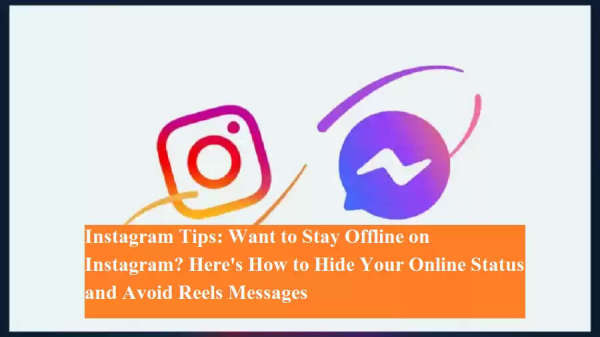
If you're someone who gets distracted by friends constantly sending reels on Instagram while you're trying to work, you're not alone. The good news? You can turn off your online status on Instagram. With just a few simple changes in your settings, you can appear offline and stay focused.
🎯 Why You Should Hide Your Online Status
Instagram, by default, shows your active status to your friends. This is visible as a green dot next to your profile picture in Instagram Messenger. When your friends see you as "active," they’re more likely to send you DMs—often full of distracting reels or memes.
Even if you're just checking notifications or quickly browsing, you may be perceived as free, which leads to a flood of messages, interrupting your workflow or focus.
🔕 How to Appear Offline on Instagram
Here’s a step-by-step guide to hide your online status:
-
Open the Instagram app on your smartphone.
-
Tap your profile icon at the bottom-right corner.
-
Tap the three horizontal lines (menu) at the top-right corner.
-
Go to Settings and Privacy.
-
Navigate to Messages and story replies or Activity status.
-
Tap on “Show Activity Status”.
-
Turn off the toggle for “Show Activity Status”.
Once this is disabled:
-
Your profile will no longer show the green dot.
-
People won’t see when you’re online or last active.
-
You won’t see their status either.
🔁 Can You Re-enable It Later?
Absolutely. When you’re ready to socialize or reply to friends, just follow the same steps and toggle the activity status back on.
🧘 Why It Helps
-
Reduces distractions during work or study time.
-
Prevents unnecessary messages from friends who see you online.
-
Gives you more control over your privacy and time on the platform.
📌 Final Tip
Instagram is fun—but when productivity matters, small settings like this can make a big difference.
So next time you're trying to focus, just switch to “offline mode” and come back when you're ready to engage!