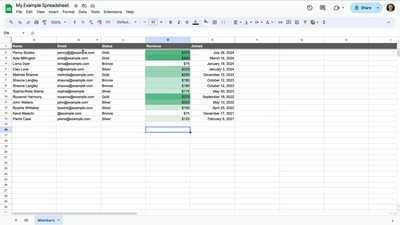
How to automate calculations with Google Sheets
18 Sep 2025
We all know how automating budget calculations can save time and reduce errors, making it easier to manage finances.
But, automating budget calculations isn't as easy as it sounds, which is why Google Sheets' array of templates can help you streamline the process.
They can handle everything - from personal finance to business expenses. You can just focus on analyzing data rather than calculating it.
Choosing the right template
#1
Choosing the right template is key to automating your budget.
Google Sheets offers a range of templates designed for different needs - be it monthly budgets or annual forecasts.
Consider your particular needs and pick a template that best serves your financial goals.
This way, you'll have all the categories you need covered and the process of customization would be easier.
Customizing your template
#2
Once you've chosen a suitable template, customization is key to meeting individual needs.
You can modify categories, adjust formulas, and input relevant data to reflect your unique financial situation.
This step allows for greater accuracy in tracking expenses and income while ensuring that the automated calculations align with personal or business objectives.
Utilizing built-in functions
#3
Google Sheets also comes with built-in functions, which can make your budget automation even more powerful.
Functions such as SUMIF or VLOOKUP can be employed to automatically calculate totals or fetch particular data points on the basis of defined parameters.
Knowing them helps in creating dynamic spreadsheets that get updated automatically with new data.
Setting up alerts and notifications
#4
To keep finances in check, setting up alerts and notifications in Google Sheets can come in handy.
Users can set up conditional formatting rules or use add-ons like Google Apps Script to receive alerts on meeting or exceeding certain thresholds.
This way, you can manage budgets efficiently by getting timely reminders about spending limits or upcoming payments.