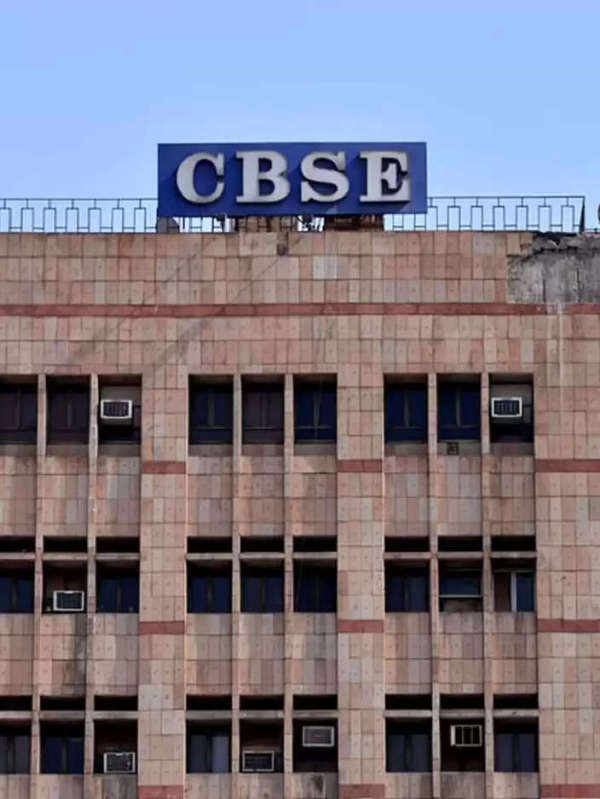
CBSE Big Update: The Central Board of Secondary Education (CBSE) has announced that migration certificates will no longer be provided to students. Yes, they will now have to download the migration certificates themselves from Digilocker. Let's find out why CBSE has made this important decision.
CBSE Big Update: If you are studying under the CBSE board, this is important news for you. The Central Board of Secondary Education (CBSE) has announced that from now on, i.e., after 2025, students in grades 10 and 12 will no longer be issued hard-copy migration certificates (CBSE Migration Certificates). CBSE stated that this step was taken to promote digital documents. Furthermore, students will no longer have to struggle to obtain migration certificates.
CBSE Big Update: CBSE's Big Decision
This decision follows a directive from the University Grants Commission (UGC) stating that digital documents issued by boards like the CBSE will be accepted by higher educational institutions such as colleges and universities. CBSE will no longer charge any fees for migration certificates.
What used to happen before?
Previously, the CBSE Board issued mark sheets for 10th-12th grade students online after the results were declared. Migration certificates were also issued. All these documents will be issued digitally. However, the CBSE has now taken a major decision to implement digital documents and has decided not to issue hard copies of migration certificates.
When will it be implemented?
This change has been approved by the CBSE Examination Committee. This rule will apply to 10th-12th grade board students from 2025 onwards. This does not mean that digital copies will no longer be valid. You can share it everywhere.
What is DigiLocker?
DigiLocker is a government platform where all documents are stored. You can access all your documents and certificates by logging in at any time through this platform. It is a reliable platform.
CBSE Migration Certificate Steps To Check: How to Check Migration Certificate?
First, go to the Digilocker platform (you can download it from the Play Store).
Login using your mobile number.
Now click on the 'Issued Documents' option.
Select the board or committee (here, CBSE) from the list of issuers.
Now find your certificate and download it.
If you wish, you can print it and share it elsewhere.