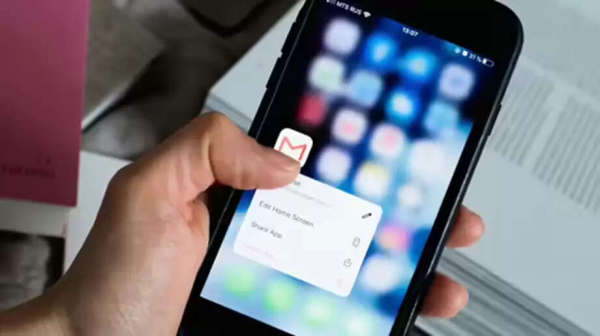
Finding relevant emails in Gmail can be difficult, as offers, newsletters, and promotional emails often get in the way of important emails. This can be frustrating. For this reason, Gmail introduced a Mail Subscription feature in July. This could prove to be a game-changer for users. This feature allows you to easily unsubscribe from emails from any brand or website directly within the Gmail app. You don't have to visit any website or go into settings to unsubscribe. The advantage of this feature is that your inbox will be cleaner, and you'll only receive the emails you really want. Let's learn what this feature is and how it works.
Unsubscribe in a single tap.
Gmail's Manage Subscribers feature is readily available in the mobile app. This feature will help you get rid of unnecessary emails. Additionally, it will free up your Gmail storage by eliminating unwanted emails from newsletters, offers, blogs, or brand updates. This feature allows you to manage your subscription emails. You can delete all emails from a particular brand from here. Subscriptions can be cancelled with just one tap.
This section will be found here after opening the app.
To use the Manage Subscriptions feature, you don't have to go into Gmail's settings. You don't have to open each email to use it. After opening the Gmail mobile app, you'll see three lines on the left side. Click on them. You'll see several options. The Manage Subscriptions section will be located at the bottom.
Previously, you had to open each email individually to unsubscribe.
Previously, you had to open the brand's website or newsletter to unsubscribe.
You see options like "Subscribe" or "Unsubscribe" at the top of the email or near the sender's name.
If you want to receive updates from that email, tap "Subscribe."
If you no longer want emails, tap the “Unsubscribe” button.
The new feature will do the job in one tap.
With the new feature, you'll now need to click on the Manage Subscriptions option.
You'll see all your subscriptions here. Next to the one you want to unsubscribe from, you'll see an email-like icon.
Click on this, and the unsubscribe option will appear. Click on it to unsubscribe.
Delete unwanted emails at once
From here, if you want to delete emails from a brand, search for it. For example, enter Amazon. All Amazon emails will appear. You can select them from here and delete them.
You can use filters
You can also search for emails by level, date, and email ID. This feature is very useful for clearing your inbox.
Disclaimer: This content has been sourced and edited from NDTV India. While we have made modifications for clarity and presentation, the original content belongs to its respective authors and website. We do not claim ownership of the content.