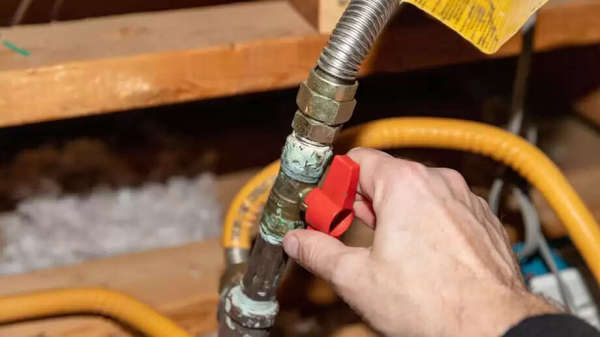
Do you also want a simple and hassle-free piped natural gas connection for your home? Now, you don't need to go anywhere. Indraprastha Gas Limited (IGL) has simplified the process of obtaining a new PNG connection. You can do it completely online. Yes, if IGL service is available in your area, you'll need to have a few documents ready, after which you can apply for it from the comfort of your home.
With this connection, you won't have to worry about running out of gas like you would with a cylinder. You'll just have to pay a single bill every month. How can you apply for it? Today, we'll explain the details and the documents required. Before that, let's understand what IGL does...
What does IGL do?
IGL is a government company that supplies CNG and PNG in Delhi-NCR. This government company supplies pipeline gas to homes, shops, commercial spaces, and industries. This company also supplies PNG gas for domestic users in the kitchen.
These documents are required to apply.
To obtain a new PNG connection, you will need to provide some basic documents related to your identity and address. You will need one of the documents from the list below.
Electricity bill
House tax receipt
First five pages of the property's sales deed
How much will it cost to get a connection?
To obtain a new connection, you will need to pay a security deposit and installation charges. This totals up to ₹7,000, of which ₹6,000 is the security deposit and ₹1,000 is the consumption security deposit.
How to apply for a gas pipeline connection?
First, visit IGL's website, webonline.igl.co.in.
Next, go to the 'Customer Zone' and select the 'PNG Domestic Customer' option.
From here, click on the option 'Apply for New Connection Online'.
After doing this, select 'Private Property' in the 'Accommodation Type', i.e., if you are applying for a house.
Now enter your name, username, email, mobile number, and complete address in the form.
After this, select "SD amount payable upfront" in 'Customer Type'.
Read the terms and conditions, confirm, and press submit.
After this, a verification link will be sent to your email. Click on it and log in.
After doing this, the technician will come to your home and do the setup.
Disclaimer: This content has been sourced and edited from Zee Business. While we have made modifications for clarity and presentation, the original content belongs to its respective authors and website. We do not claim ownership of the content.