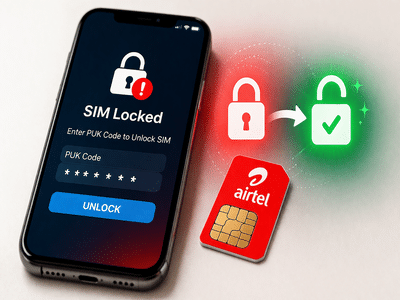
Airtel SIM Unlock Guide: If your Airtel SIM card has been locked after multiple incorrect PIN attempts, there’s no need to panic. Telecom operators provide a security feature called the PUK (Personal Unblocking Key) code, which helps you safely unlock your SIM and regain access.
Here’s a complete, easy-to-follow guide on what a PUK code is and how you can retrieve it using different methods.
What Is a PUK Code and Why Is It Important?The PUK code is a unique security code assigned to your SIM card. It is designed to protect your SIM from unauthorized access.
- If you enter the wrong SIM PIN three times, your SIM gets locked
- To unlock it, you must enter the correct PUK code
- Without it, you cannot use your SIM
⚠️ Important: Entering the wrong PUK code multiple times can permanently block your SIM.
Method 1: Get Airtel PUK Code via SMSYou can retrieve your PUK code using another active Airtel number.
Steps:👉 Enter this code on your locked phone to unlock your SIM.
Method 2: Use USSD Code to Get PUKAnother quick way is through USSD.
Steps:If you cannot access SMS or USSD methods, you can call Airtel support.
Steps:- Your mobile number
- SIM serial number (printed on SIM)
If none of the above methods work, visit an Airtel store.
What to carry:- ID proof (like Aadhaar card)
- Your locked SIM card
The store staff will help you unlock your SIM or issue a replacement if needed.
Important Tips to Avoid SIM Lock- Avoid entering incorrect PIN repeatedly
- Do not share your SIM PIN with others
- Store your PUK code safely
- Always verify before entering PIN
Getting your Airtel SIM locked can be inconvenient, but recovering it using a PUK code is quick and simple if you follow the right steps. Whether through SMS, USSD, customer care, or visiting a store, multiple options are available to help you regain access.
Make sure to keep your SIM details safe to avoid such issues in the future.