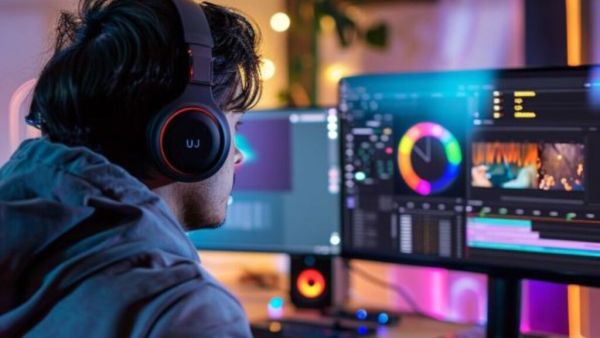
In today’s social media and digital era, every person has at least one camera. Be it a smartphone or a DSLR. We capture photos and videos with the help of this camera and upload these photos and videos on social media. But before uploading these photos and videos on social media, we need to edit them, for this we need the right editing tools.
Social media creators and influencers upload their videos and photos on social media. Seeing these photos and videos, many people think that expensive software or experts are needed for professional photo editing. But this is not always the case. If you want to upgrade your photos without spending money, then these 5 free photo editing tools are no less than a boon for you. With the help of these, you can increase the quality of your photos to pro level. Whether you are using a phone or a laptop, from Canva to Photopia, these tools will help you make your photos impressive.
Canva (available on web, Android, iOS)
Canva is not just a photo editing tool, but a full-fledged graphic design platform. It has templates for everything from Instagram posts to YouTube thumbnails and posters. It offers a drag-and-drop interface, text addition, filters, photo cropping, background removal feature, free photo and background access, and many more. Canva is a perfect tool for people who want to get started with content creation.
Snapseed
This tool is available on both Android and iOS. This tool from Google is a boon for people who love mobile photography. The interface of this tool is simple but the features are of professional level. It has many advantages. Such as selective editing, healing, brush, curves tools, no watermark or ads. This tool is best for those who want to edit from their phone but do not compromise on quality.
Pixlr
This tool is available on web, Android, iOS. Even if you don’t have a high-end laptop or system, tools like Pixlr are a great option for you. It features layer editing, AI-based background removal, direct use in the browser, and no sign-up required. This tool is a perfect option for those who want quick and easy editing without installing any software.
Photopea
This tool is available only on the web. This free tool looks and works like Adobe Photoshop and is very advanced. It has features like PSD, Sketch, XCF and RAW format support, layers and masks, and no installation is required. It is for those who are used to tools like Photoshop but want to avoid subscriptions.
Photo
This tool is also available on web, Android, iOS. Fotor is beneficial for those who want fast, AI-based editing. In simple words, this tool is especially best for social media use. It has benefits like one-tap enhancement, skin smoothing, HDR tools, ready-made social media templates.