Instagram has been steadily introducing new tools to give users greater control over their data and activity on the platform. As part of this effort, the company has rolled out a consolidated section called “Your Activity”, where users can view, manage, and delete their past interactions—all from one place.
This feature was initially tested toward the end of last year and is now being made available to users globally. One of the most useful additions within this section is the option to view links you’ve visited on Instagram, including links opened from posts, stories, profiles, and advertisements.
What Is the ‘Your Activity’ Section on Instagram?
The “Your Activity” dashboard acts as a central hub for everything you’ve done on Instagram. It allows users to:
- Bulk delete or archive posts, Stories, Reels, and videos
- Review interactions such as likes, comments, and story reactions
- Filter content by date range
- Search old comments and replies
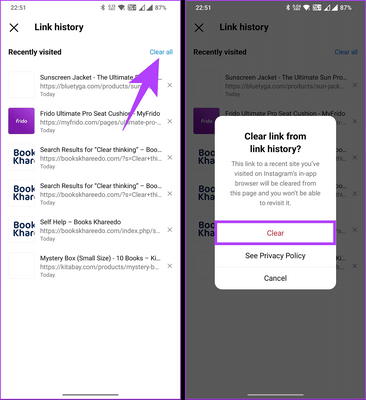
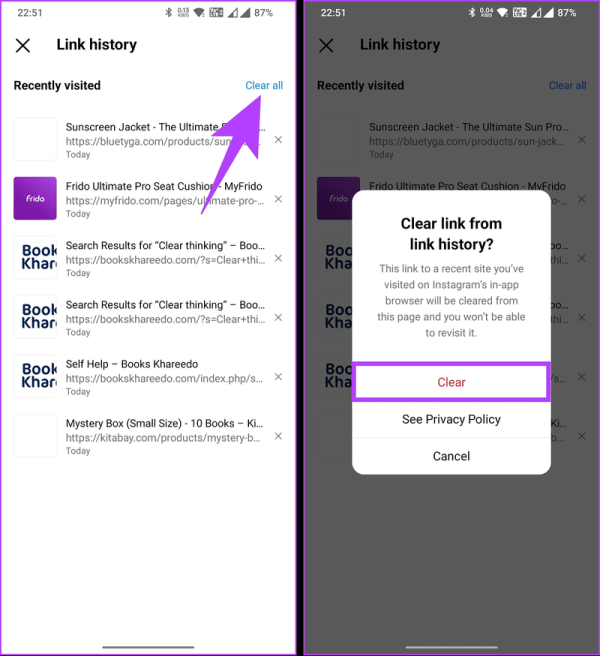
- Track links visited on the platform
This move reflects Instagram’s increasing focus on transparency and user control.
Why Viewing Visited Links Is Useful
Over time, users click on numerous links while browsing Instagram—some shared by friends, others promoted through ads or business profiles. The new Links You’ve Visited option helps users:
- Revisit important websites they forgot to bookmark
- Track links opened through sponsored content
- Review browsing history within the app
- Improve awareness of online activity
Unlike a browser history, this feature is specific to Instagram activity.
What Kind of Links Appear in This List?
The visited links section may include:
- Direct URLs shared in Stories or DMs
- Links from profile bios
- Advertisements clicked on Instagram
- Promotional links from posts or Reels
All these are displayed in one place for easy access.
How to View Links You’ve Visited on Instagram: Step-by-Step Guide
Follow these steps to check your visited links:
You can tap on any link to open it again in your browser.
Things to Keep in Mind
- The list only includes links opened within Instagram
- Older links may not appear if activity history is limited
- The feature availability may depend on app updates
- Keeping Instagram updated ensures access to all activity tools
Final Thoughts
The ability to view visited links on Instagram adds another layer of convenience and transparency for users. Combined with content management and interaction tracking, the “Your Activity” section makes it easier to understand and control how you use the platform. As Instagram continues to evolve, features like these highlight its shift toward better user awareness and data management.